Forms
Why your contact form is losing enquiries — a checklist
Fourteen things to check when enquiries are not arriving, are arriving incomplete, or are arriving and getting lost. Work through it in an afternoon.
Jayesh Shah · · 7 min read
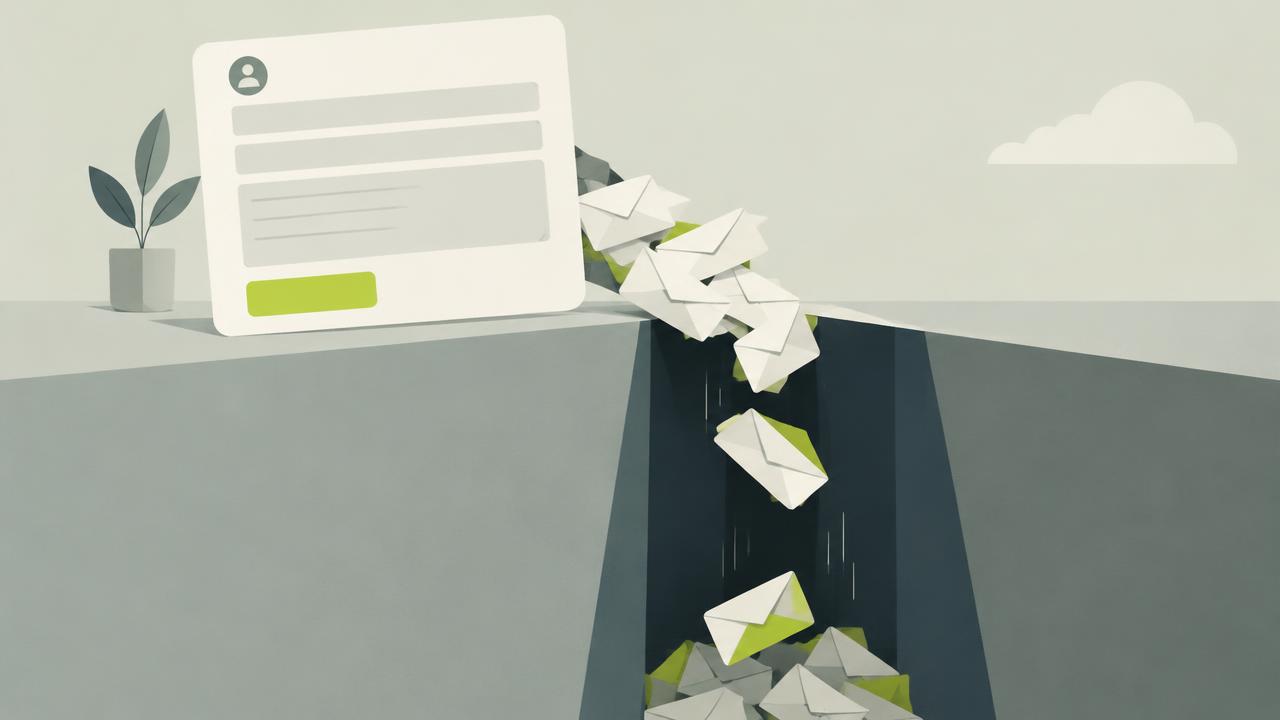
Enquiries go missing in three different places, and the fix is different for each. Either people are not completing the form, or they are completing it and the submission is not arriving, or it is arriving and nobody is acting on it.
Work through this in order.
They are not completing it
1. Too many fields. The most common cause by a distance. Count your required fields. If it is more than four for a general contact form, cut it. Every field is a small negotiation and people stop negotiating.
2. A required phone number. Worth its own line because it is so common. Many people will not give a phone number to a business they have not bought from. Make it optional or remove it.
3. It is below the fold on mobile with no indication it exists. If your contact page opens with three paragraphs about your commitment to service, the form is off screen. Put the form first.
4. The submit button does not say what it does. "Submit" is a system word. "Send enquiry" or "Ask a question" performs better because it describes the action from the person's side.
5. No indication of when they will hear back. Ambiguity is friction. One line — "We reply within one working day" — reduces the sense that a message is being sent into a void.
6. Validation that fights the user. Errors that appear while typing, that clear the whole form, that reject valid international phone formats, or that appear at the top of a long form where the person cannot see which field failed. Validate on blur, show the error next to the field, and never clear what was already entered.
7. It is not usable on a phone. Tap targets under 44px, a dropdown that opens badly, no correct keyboard type on the email field. Fill in your own form on a phone before reading further.
8. No spam protection, so you turned it off. Some stores quietly remove a form after a spam wave. Use a honeypot field or an invisible challenge rather than deleting the route.
It is not arriving
9. The notification email is going to spam. Test it. Send yourself a submission and check the junk folder. This accounts for more "broken" forms than actual breakage.
10. The notification address is wrong or belongs to someone who left. Check the configured address, not the address you assume is configured.
11. Submissions are stored but no notification is sent. Check the dashboard directly rather than trusting the inbox.
12. The form silently fails on error. A submission that hits a validation failure or a network error and shows nothing looks identical to success from the customer's side. Test with a deliberately invalid entry and see what happens.
It is arriving and getting lost
13. Everything lands in one inbox. Wholesale enquiries, returns, careers and general questions in the same place, sorted by hand, means the valuable ones get the same attention as the noise. Route by topic.
14. There is no owner and no timeframe. If the answer to "who replies to enquiries" is "whoever sees it", nobody does consistently. Name a person and a response window, even if that person is you and the window is twenty-four hours.
The test that catches most of it
Once a month, submit your own form as a customer would — on a phone, on mobile data, using an email address that is not yours. Time how long the reply takes.
It takes five minutes and it catches almost everything on this list.
QuickForms keeps every submission in a dashboard, so a lost notification email never means a lost enquiry.