Store locator
Local SEO for Shopify stores with physical locations
How to make your physical locations findable in local search when your website runs on Shopify — Google Business Profile, location pages, structured data, and the mistakes that waste the effort.
Jayesh Shah · · 8 min read
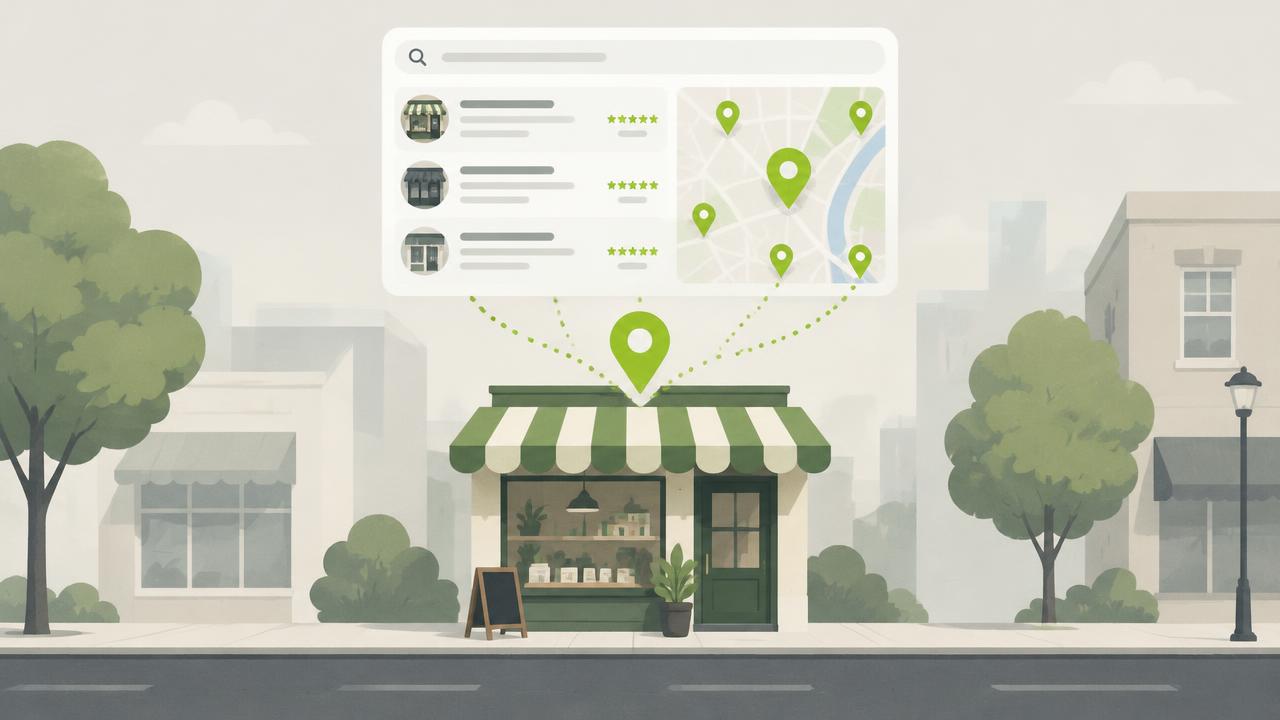
If you sell online and you also have shops, you are competing in two different search markets with one website. Most Shopify stores handle the first one well and ignore the second entirely.
Local search — "shoe shop near me", "saree store in Andheri", "where to buy X in Pune" — behaves differently from product search. Different ranking factors, different results layout, and a different destination. Here is how to work it from a Shopify store.
Start outside your website
Your Google Business Profile matters more for local rankings than your website does. That is uncomfortable if you have spent your effort on the site, but it is how the results are built.
For each location, claim and complete the profile. Complete means: exact business name as it appears on the shopfront, precise category, full address, phone, hours including holiday exceptions, and photographs of the actual place. Add the services and products you carry. Answer the questions people post. Respond to every review, including the bad ones, in public and without defensiveness.
Do this before you touch your website. A complete profile with recent activity outperforms an incomplete one attached to a better site.
Then give each location a page
A location page is the thing your profile links to, and the thing that can rank on its own for "[category] in [area]" searches.
A location page that works contains:
- The location name and full address as text, not inside an image
- Hours, written out
- A phone number
- What that branch carries or does that others do not
- Directions, and the nearest landmark or transit stop
- Two or three photographs of the actual shop
- A short paragraph about the area, written by someone who has been there
That last one is the difference between a page that ranks and a page that exists. Templated location pages where only the address changes read as templated to a reader and to a search engine. If you cannot write two honest sentences about the neighbourhood, you probably do not need a page for that branch.
Add LocalBusiness structured data
Structured data tells search engines what the page is describing rather than making them infer it.
For a location page you want LocalBusiness (or a more specific subtype like ClothingStore),
including name, address, geo, telephone, openingHoursSpecification and url.
On Shopify this goes in the page template or, more manageably, is emitted by the app rendering your location data — which is preferable, because then it stays in sync with the data itself. Structured data that contradicts the visible content is worse than none.
Validate it with Google's Rich Results Test before you move on.
Keep your details identical everywhere
Name, address and phone number should match exactly across your website, your Google Business Profile, your social profiles, and every directory you appear in. Not approximately — exactly. "Shop 4, LBS Marg" and "Shop No. 4, L.B.S. Marg" are two businesses as far as an automated system is concerned.
Pick one canonical format, write it down, and use it everywhere. When you open a new location, add it to that document before you add it anywhere else.
Connect your locator to the rest of the site
Internal links tell search engines which pages matter. A locator page linked only from the footer is telling them it barely matters.
Link to it from your main navigation. Link to relevant location pages from product pages for ranges that are available in store. Link from your contact page. Link from any blog post about a city or an event.
The mistakes that waste the effort
Locations rendered only in JavaScript. If your addresses arrive after page load and are not in the HTML, you are relying on the crawler executing your script and doing it well. Do not. Make sure location data is present in the served markup.
One page per branch when the branches are identical. Thin, near-duplicate pages compete with each other and win nothing.
Hours that go stale. A profile showing wrong hours generates a bad review, and bad reviews on a Google Business Profile hurt local rankings directly. Put a recurring reminder in the calendar before every holiday period.
Treating it as a launch project. Local SEO is maintenance. The profile that gets updated, that posts occasionally, that answers questions and replies to reviews, beats the one that was set up perfectly and abandoned.
What to do first
If you have physical locations and none of this in place, the order is: complete the Google Business Profiles, get a working locator page live, add location pages for the branches that are genuinely distinct, add structured data, then fix your internal linking. Each step is useful on its own, which means you can stop at any point and still be better off.
Store Locator keeps location data in one place and renders it into your storefront, so your locator page and your structured data never drift apart.