Store locator
What belongs on a store locator page — and what to leave off
The fields that make a store locator useful, the ones that clutter it, and how to structure the page so a customer standing on a street can act in ten seconds.
Jayesh Shah · · 6 min read
Most store locator pages fail the same way. They contain everything the business knows about each branch, arranged in the order the business thinks about it, and nothing the customer needs, in the order they need it.
Here is what to keep.
The three questions
A person opens your locator to answer three things, almost always in this sequence:
- Is there one near me?
- Is it open?
- How do I get there?
Every element on the page either helps answer one of those or is in the way. That is the whole editorial principle, and it is stricter than it sounds.
What earns its place
Distance. The single most useful field, and the one most often missing. "2.4 km" tells a customer more than an address does. It requires the browser's location permission or a search term, so ask for one clearly and fall back to the other.
Open or closed, right now. Not the opening hours — the current state, computed from them. "Open till 9pm" and "Closed, opens 10am tomorrow" are answers. A table of seven rows is homework. Show the full hours as a secondary detail for people who want to plan ahead.
A directions link that opens their map app. Not an embedded map they have to interact with. One tap, straight into Google Maps or Apple Maps with the destination set.
A phone number that dials. As a tel: link. Someone who cannot find your entrance will call.
What is different about this branch. This is the field almost nobody fills in and it is the one that converts. "Full range plus alterations." "Stockist — selected lines." "Click and collect only." A customer who knows what to expect arrives with the right expectation and does not leave disappointed.
What to leave off
A photo of every storefront. They look alike, they cost you page weight on the exact connection that can least afford it, and no one has ever chosen a branch on the strength of its awning.
Manager names and internal codes. Yours, not theirs.
A full embedded map for a single location. If you have one shop, you do not need a locator. You need a well-structured contact page with an address, hours, a directions link, and a map that loads on tap rather than on page load.
Fifteen filters. Filters are for large networks. Below roughly twenty locations, a sorted list with search does the job better than a filter panel that has to be learnt.
Long-form directions written in prose. "Opposite the metro station, next to the bakery" reads as helpful and is unusable while walking. Put landmarks in a single short line under the address if they genuinely help, and let the map do the rest.
Structure that works on a phone
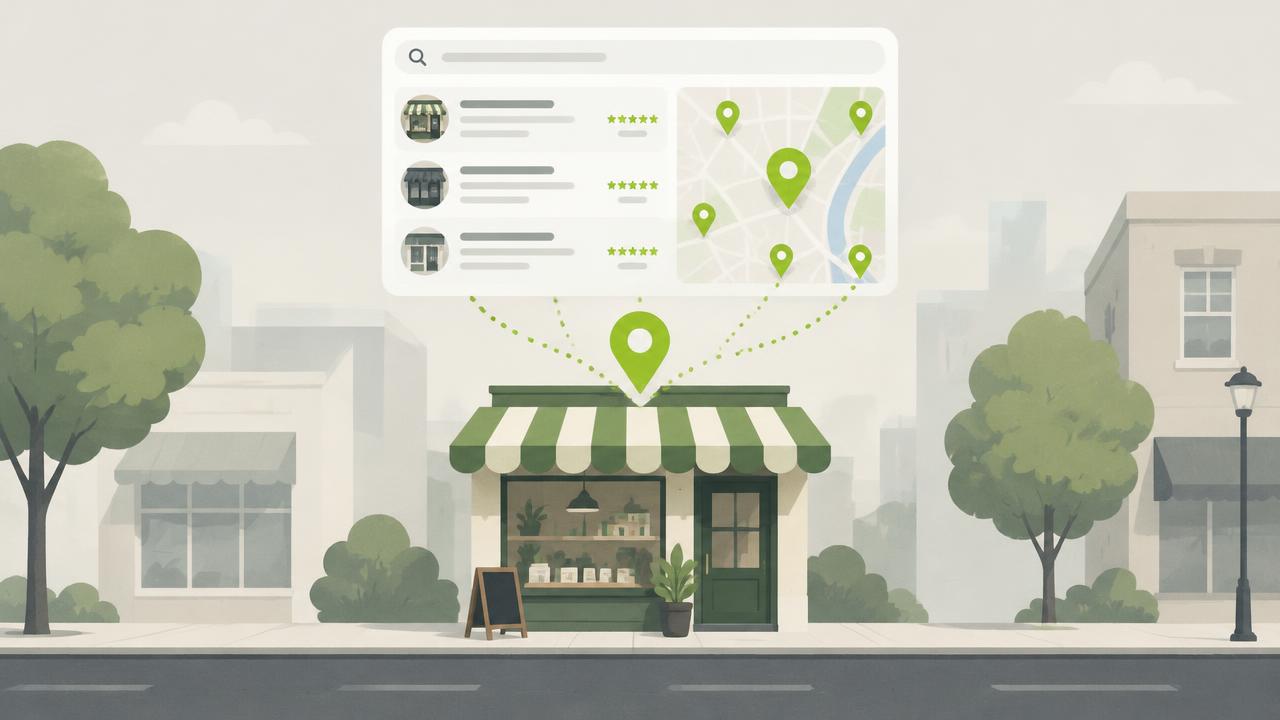
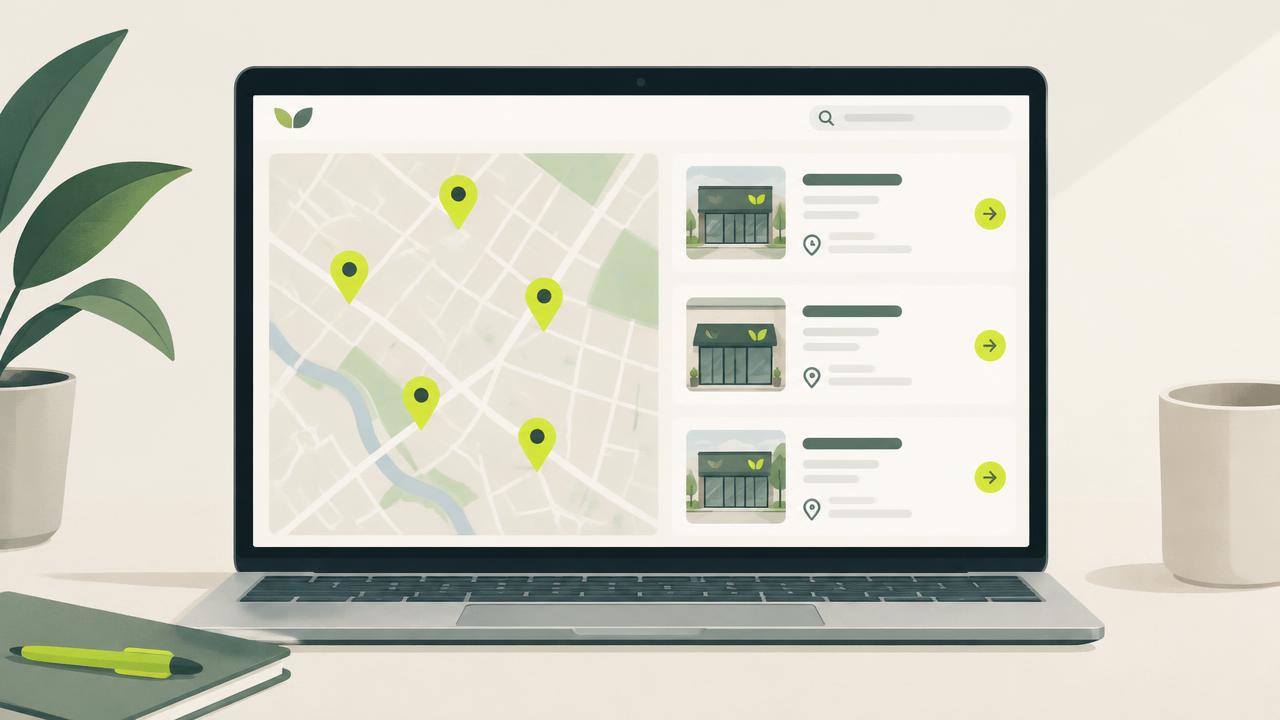
Search or location prompt at the top. Results as cards, nearest first. Each card carries name, distance, the open state, one line of address, and two actions — call and directions. Everything else goes behind a tap.
If you show a map alongside the list, make the two synchronised: tapping a card highlights its pin, tapping a pin scrolls to its card. A map and a list that do not talk to each other are two half-features.
The detail page question
Should each location get its own URL?
If your locations are genuinely different — different ranges, different services, different catchments — then yes. A page per location gives you something to rank locally, something to link from your Google Business Profile, and somewhere to put the specifics that would clutter the main list.
If your branches are near-identical, one locator page is enough. A dozen thin pages that all say the same thing is not a local SEO strategy; it is a crawl budget problem.
The test
Open your locator on a phone, on mobile data, standing away from your desk. Time how long it takes you to decide which branch to visit and start navigating there. If it is over ten seconds, the page is too full.
Store Locator supports custom fields per location, so the thing that makes each branch different can sit on the card where it is useful.